Guide#adb#python#automation
How to automate an Android app with ADB and Python in 2026
A working guide to driving a real Android phone from Python: enabling ADB, injecting taps that are fast enough, finding things on screen, and the three places a first bot usually breaks.
Everyone who automates Android arrives at the same first version: adb shell input tap 540 1180 in a loop, with a sleep between each line. It works for about a day. Then the app ships an update, your coordinates point at an advert, and you start over.
This guide is the version after that one. It covers what you actually need — a fast input path, a way to find things rather than guess where they are, and recovery when a step fails — and it is honest about where each approach stops working.
Getting ADB to see the phone
Three things have to be true before anything else works.
Developer options on. Settings → About phone → tap Build number seven times. The menu then appears under Settings → System.
USB debugging on, in that new Developer options menu. On Xiaomi, Oppo and Vivo devices you usually also need USB debugging (security settings), which requires being signed into the vendor account — an annoyance worth knowing about before you buy twelve of them.
The trust prompt accepted on the device the first time you plug it into a given PC. If adb devices says unauthorized, that prompt was dismissed: revoke USB debugging authorisations in Developer options and reconnect.
adb devices -l
# List of devices attached
# R58M617DNAZ   device  product:beyond1 model:SM_G975F
One more practical note: a charging cable is not a data cable. If the device never appears at all, swap the cable before debugging anything else.
Taps, and why the obvious way is too slow
The documented way to tap is:
adb shell input tap 540 1180
Each of those calls spawns a process on the device, loads a Java runtime, injects one event and exits. Measured on a mid-range phone, that is roughly 150–250 ms of overhead per tap. A loop with twenty interactions spends four to five seconds doing nothing but process startup, and the timing jitter makes it unreliable as well as slow.
There are two ways out. You can hold a persistent shell open and feed it commands, which removes the reconnection cost but not the per-command runtime startup. Or you inject events through a resident service on the device — which is, for example, what scrcpy does for its input. That path avoids the startup cost on every tap and makes real gestures possible, because a gesture is a stream of events rather than one.
Simply keeping one connection open instead of spawning adb for every call is already several times faster, and it is enough to get started.
Stop using coordinates
Coordinates are the real problem, not speed. They break on a layout change, on a different screen size, on a rotation, on a scroll position, and on an A/B test you were never told about.
The ladder of alternatives, cheapest first:
The view hierarchy. adb shell uiautomator dump writes an XML tree of the current screen, with resource IDs and bounds. Parse it, find the node whose resource-id ends in claim_button, tap the centre of its bounds. This is the best option when it is available — it is exact, it survives layout changes and it needs no training. It is unavailable in games, in anything built on a canvas, and in apps that set FLAG_SECURE.
Template matching. Screenshot the screen, find a known image inside it with OpenCV's matchTemplate, tap the centre of the match. Reliable for fixed icons, fragile against scaling, compression artefacts, theme changes and animations.
OCR. When what identifies the target is its text — a label, a balance, a counter — read it. Tesseract or PaddleOCR on a cropped region is fast and needs no dataset.
A trained detector. When the target moves, animates or changes appearance between versions, a small YOLO model trained on thirty to fifty of your own screenshots finds it by what it looks like rather than where it is. It costs you a dataset and a training run, which is why it sits at the bottom of this list rather than the top.
The three places a first bot breaks
It assumes the screen it expects is the screen it has. Every action should be preceded by a check that the app is where you think it is, and followed by a check that the action did something. wait_for(condition, timeout) is the single most valuable helper you will write.
It has no retries. Networks hang, dialogs appear, ads take four seconds. Wrap each step in a bounded retry with a backoff, and define what "give up cleanly" means — usually force-stopping the app so the next cycle starts from a known state.
It restarts from zero after a crash. If your loop has fifteen steps and dies at step twelve, you want it to resume at twelve. Write the current step to disk after each one, and read it back on start. This is unglamorous and it is the difference between a script you babysit and a script that runs overnight.
Human-shaped timing
If the service you are automating cares, perfectly regular intervals are the first thing it notices. time.sleep(2) on every iteration is a signature. random.uniform(1.4, 2.9) is not, and costs nothing.
The same applies to gestures: a swipe implemented as a straight line at constant speed looks nothing like a thumb. Add a slight curve and an ease-out. None of this makes automation undetectable — nothing does, and anyone promising otherwise is selling something — but it removes the trivial tells.
When to stop building your own
Everything above is a weekend. The weekend after that is a thread pool so five phones run at once, serial-number handling, a scheduler, a log format you can actually read at 4am, and a plan for the device that silently dropped off the bus.
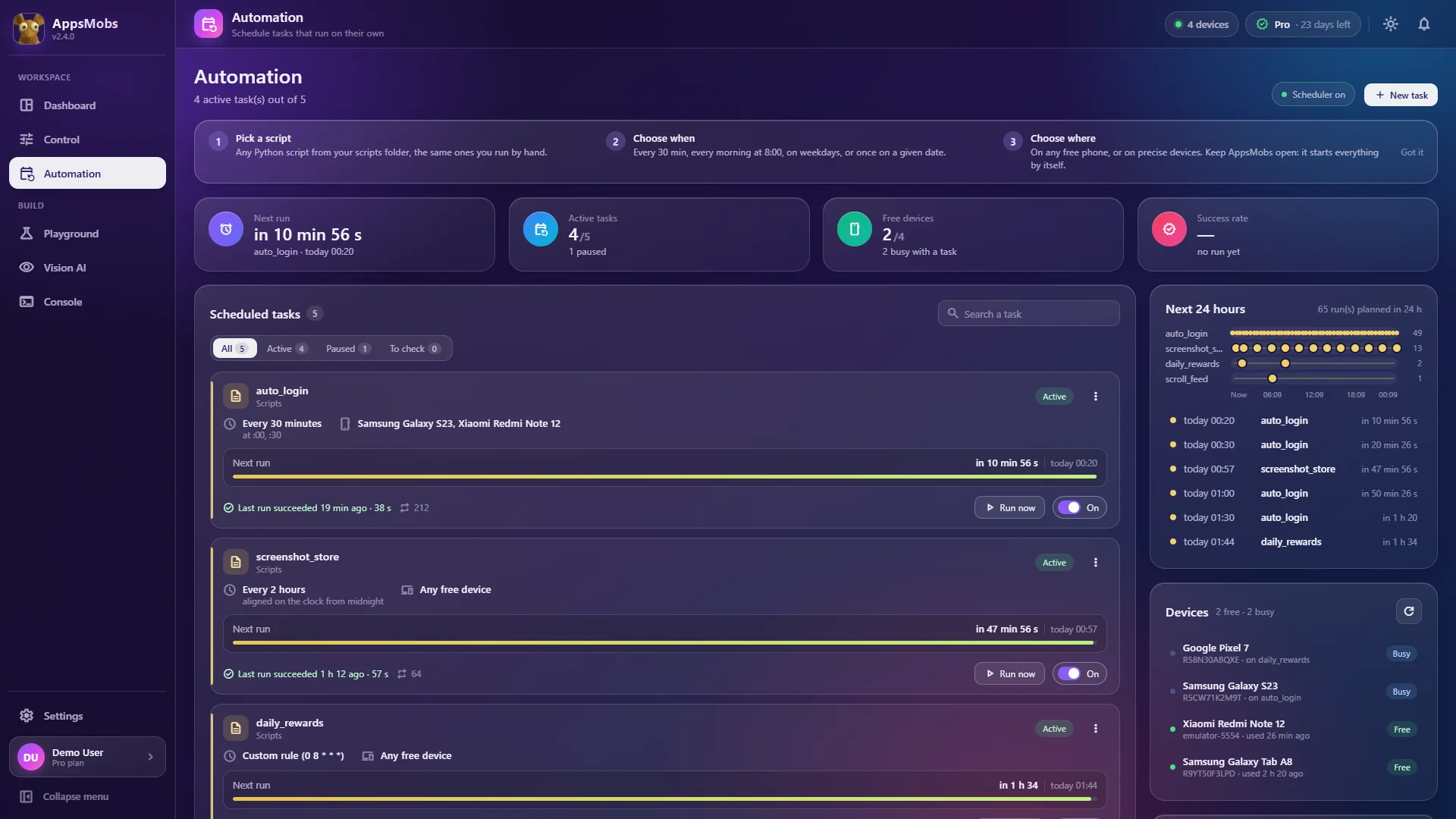
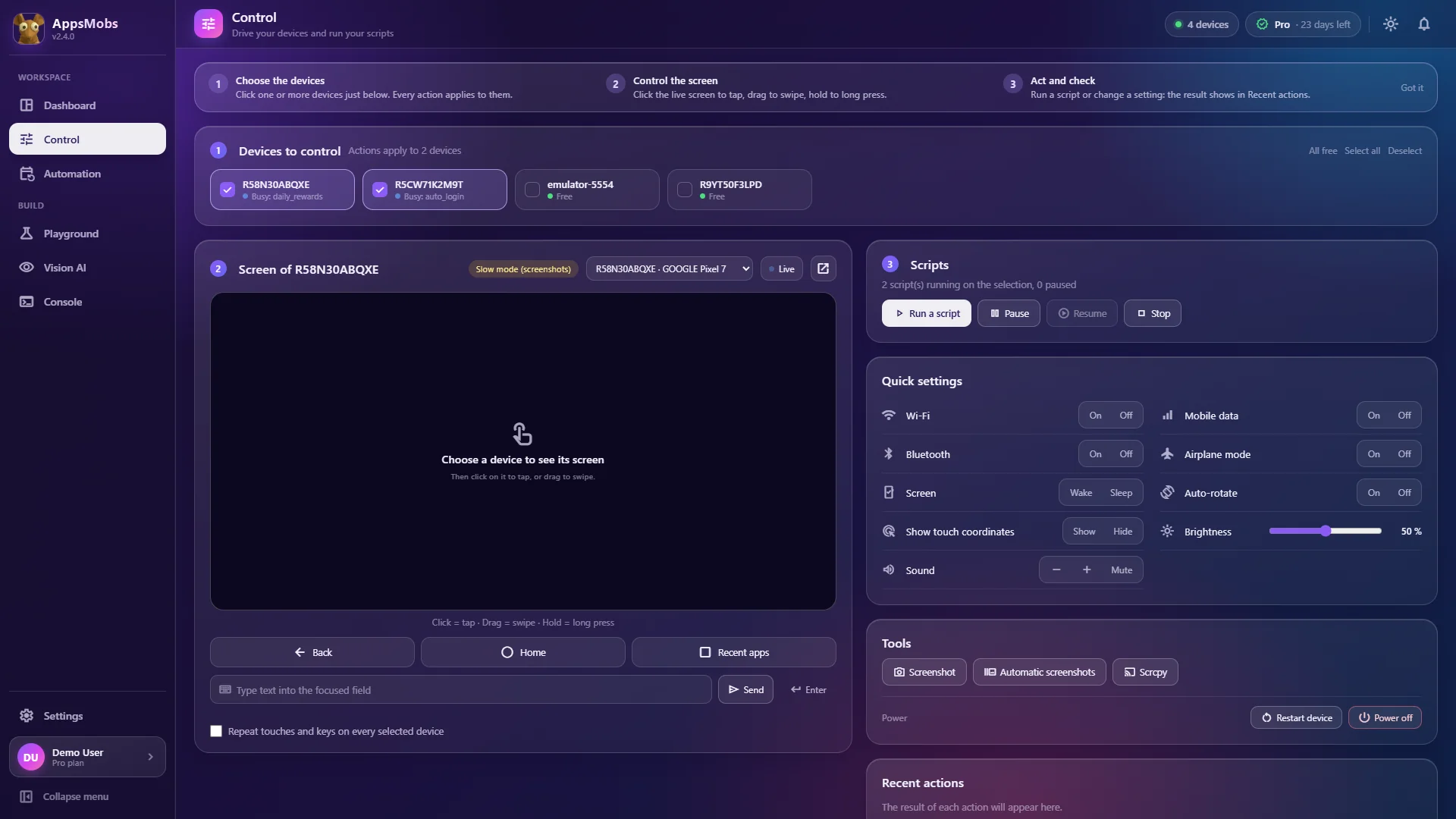
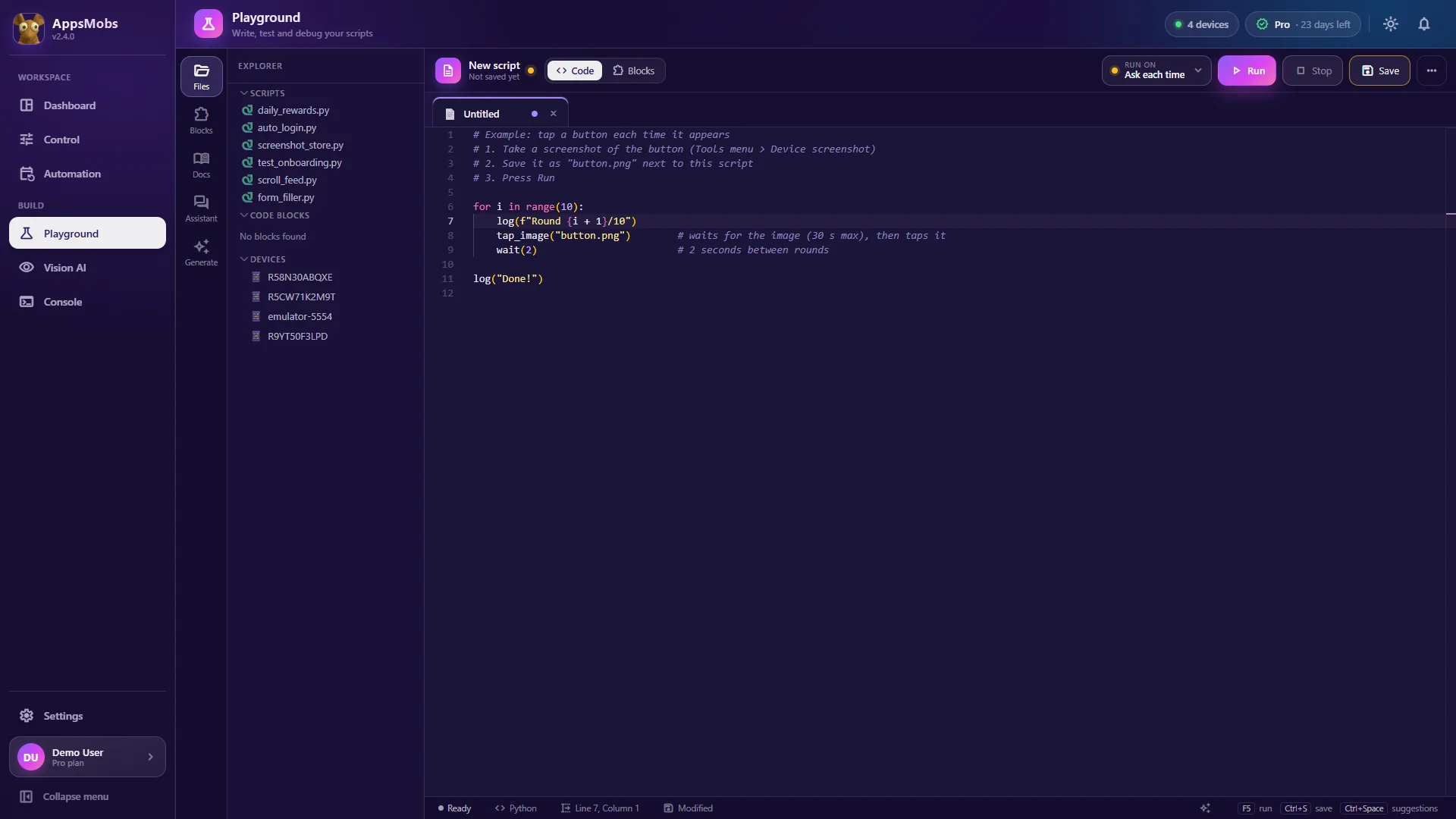
That is the point at which it is worth asking whether the tool is the project or the detour. AppsMobs ships the parts in this article already assembled — the fast input path, image and text recognition, a trainable detector, the scheduler and automatic restart of a script that crashes — so the part you write is the automation itself. The functions are injected into your scripts, with no import at all: see Python scripts and the function list.
Either way, the shape of the problem is the same, and it is worth understanding before you pick a tool.