Guide#multi-device#scrcpy#adb
How to control multiple Android phones from a PC: scrcpy, ADB and beyond
See and drive 2, 5 or 10 Android phones from your computer: what scrcpy and ADB can do, where they stop, and how to go from mirrored screens to a real phone farm.
One phone on your desk is fine. Three phones, and you spend your day unlocking them, charging them and checking which one has finished. From five upwards you need an actual method: every screen in one place, the ability to act on all of them at once, and a way to know what is happening without touching them.
This guide walks through the options for controlling multiple Android phones from a PC, from free command-line tools to a script-driven phone farm.
The common foundation: ADB
Everything starts with ADB (Android Debug Bridge), Android's official tool for talking to a device from a computer. Once USB debugging is enabled on the phone, ADB can send commands: install an app, launch an activity, simulate a tap, grab a screenshot.
With several phones plugged in, each device has its serial number and every command has to target the right one. Doable by hand for two devices. At ten, it quickly turns into a spreadsheet of serial numbers and shell scripts to maintain.
ADB also works over Wi-Fi, which frees you from cables at the cost of a connection that is a little less stable depending on your network. AppsMobs itself does not offer a Wi-Fi connection: it handles USB-connected devices, and LDPlayer for emulators.
scrcpy: an excellent screen mirror
scrcpy is an open-source project that displays an Android phone's screen on your PC and lets you control it with mouse and keyboard. It is fast and lightweight, and it is often the first thing people install when they want to see a phone on a computer screen.
For multiple devices, you start one scrcpy instance per phone, passing the serial number. You get one window per device. That is perfect for watching and stepping in by hand on a few phones.
It stops short when you want to go beyond mirroring:
- no overview: ten floating windows to arrange yourself;
- no group actions: a tap in one window only reaches one phone;
- no automation: scrcpy displays the screen and forwards your input; it does not replay anything or make decisions.
scrcpy is a remarkable display and manual-control tool. It is not an automation tool, and it does not claim to be.
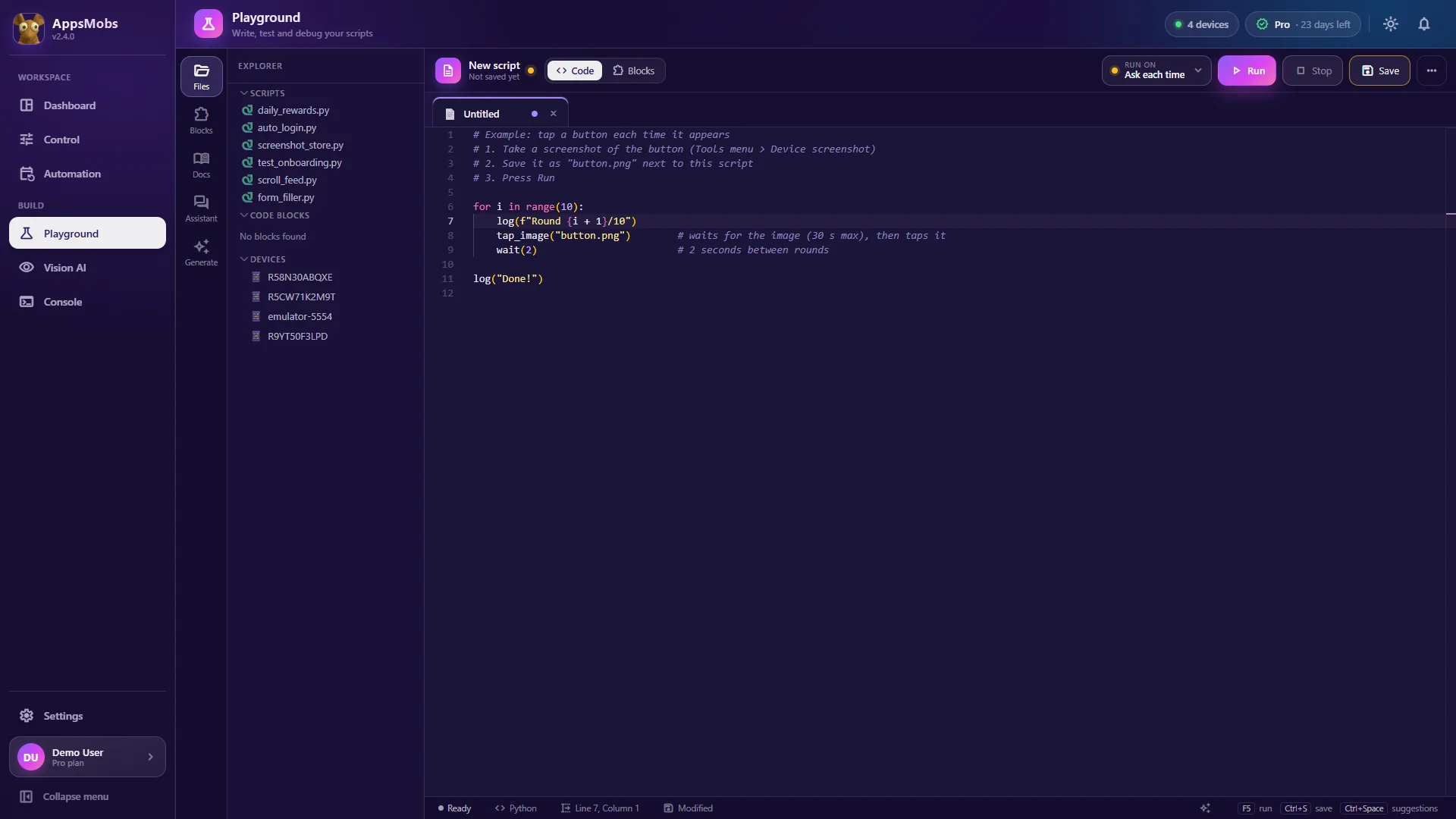
Home-made scripts: ADB + Python
The classic next step is writing Python scripts that send ADB commands to each device. You can go a long way like that and you learn a lot. But you soon hit very concrete problems:
- latency: every
adb shell input tapis a full round-trip, which gets slow as soon as you chain many actions; - reliability: a bumped cable, a device that drops off, and the script dies halfway through;
- observation: knowing what is on screen means pulling a screenshot and analysing it yourself;
- orchestration: running the right script on the right phone at the right time, retrying on failure, keeping logs.
Each of these is solvable. Together they add up to weeks of work before you automate anything useful.
What a dedicated multi-device tool adds
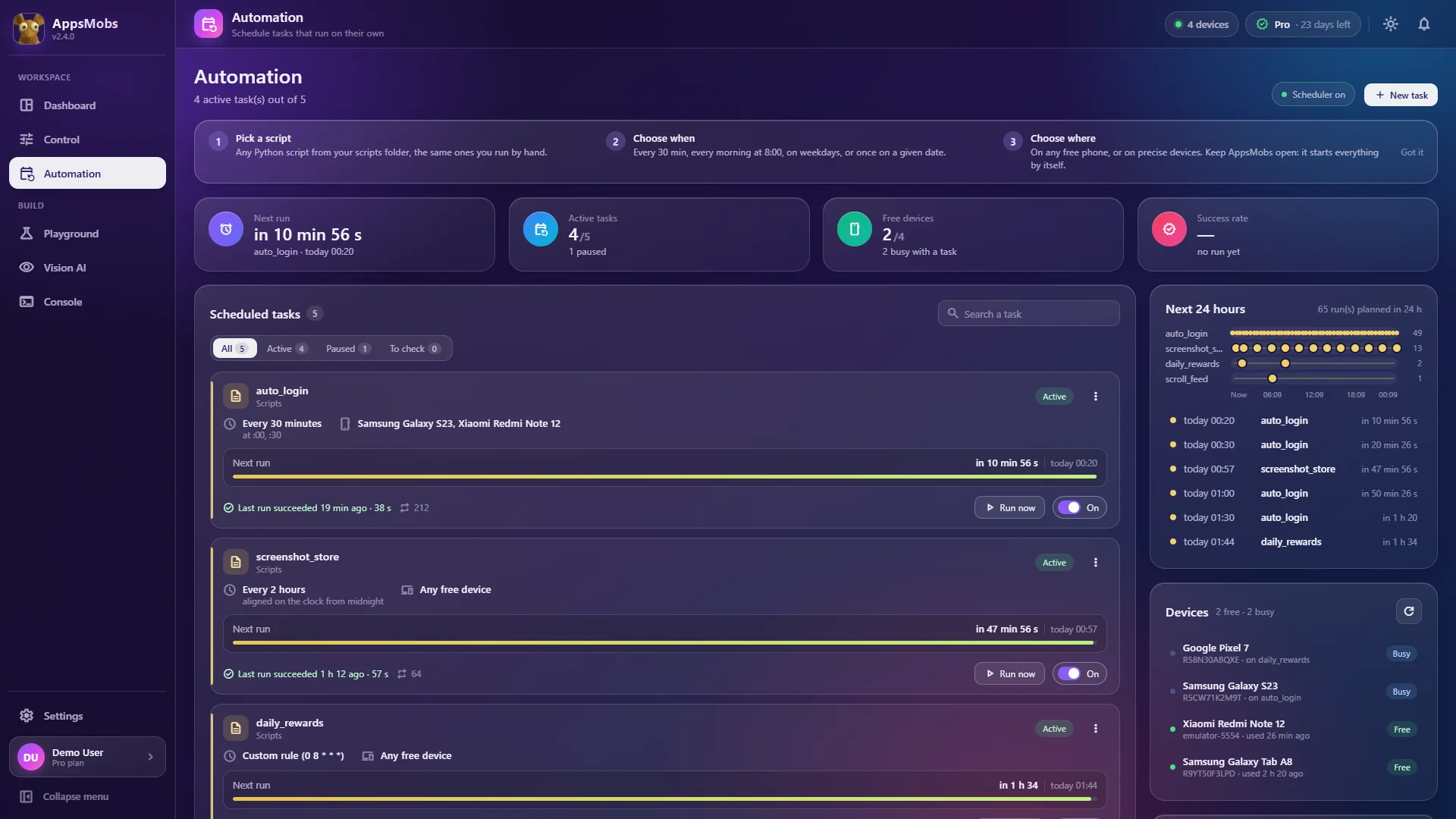
That is exactly AppsMobs' territory. The idea is not to replace ADB but to build on top of it everything that is missing to run a small phone farm from one PC.
A grid of live screens
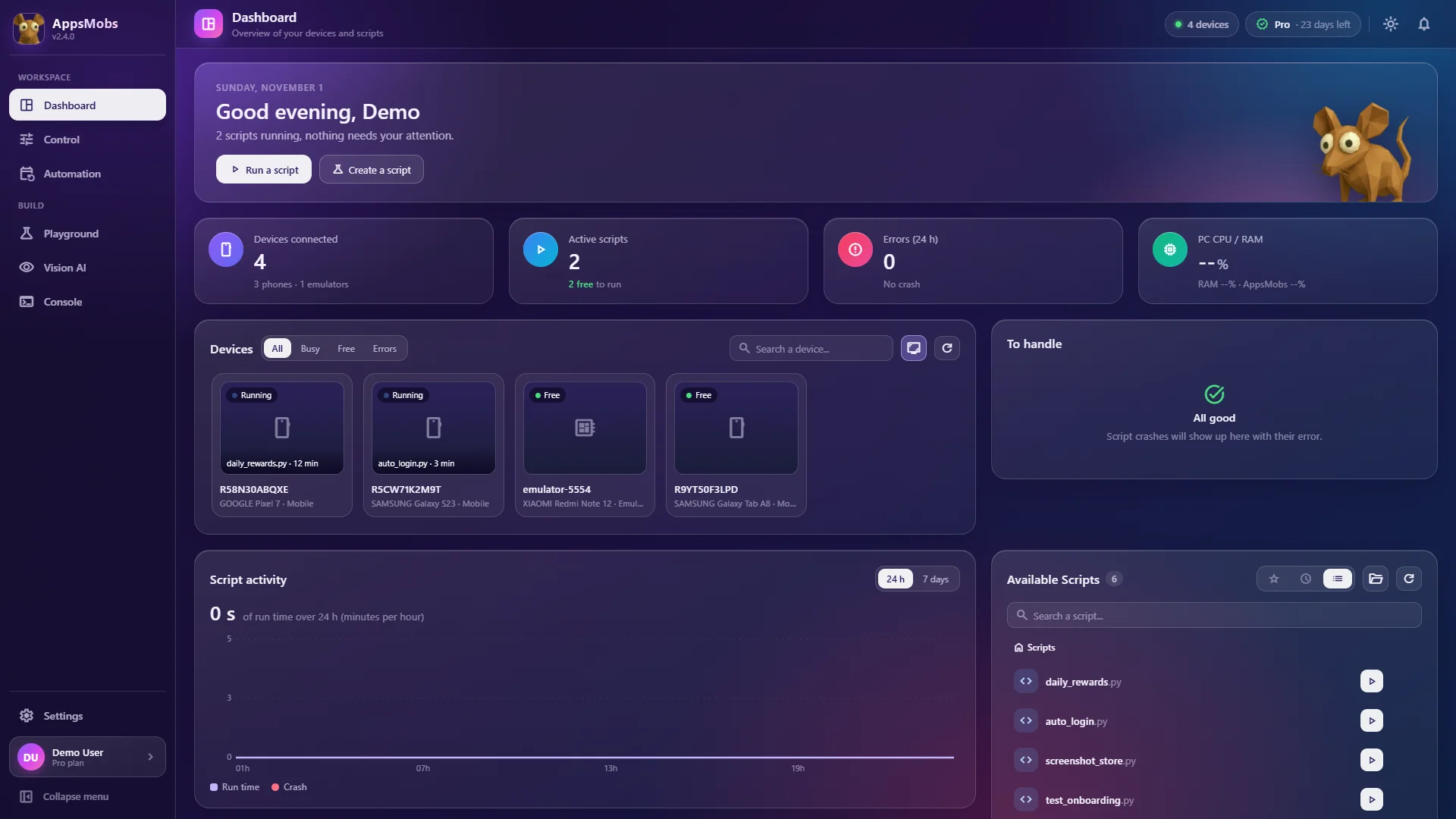
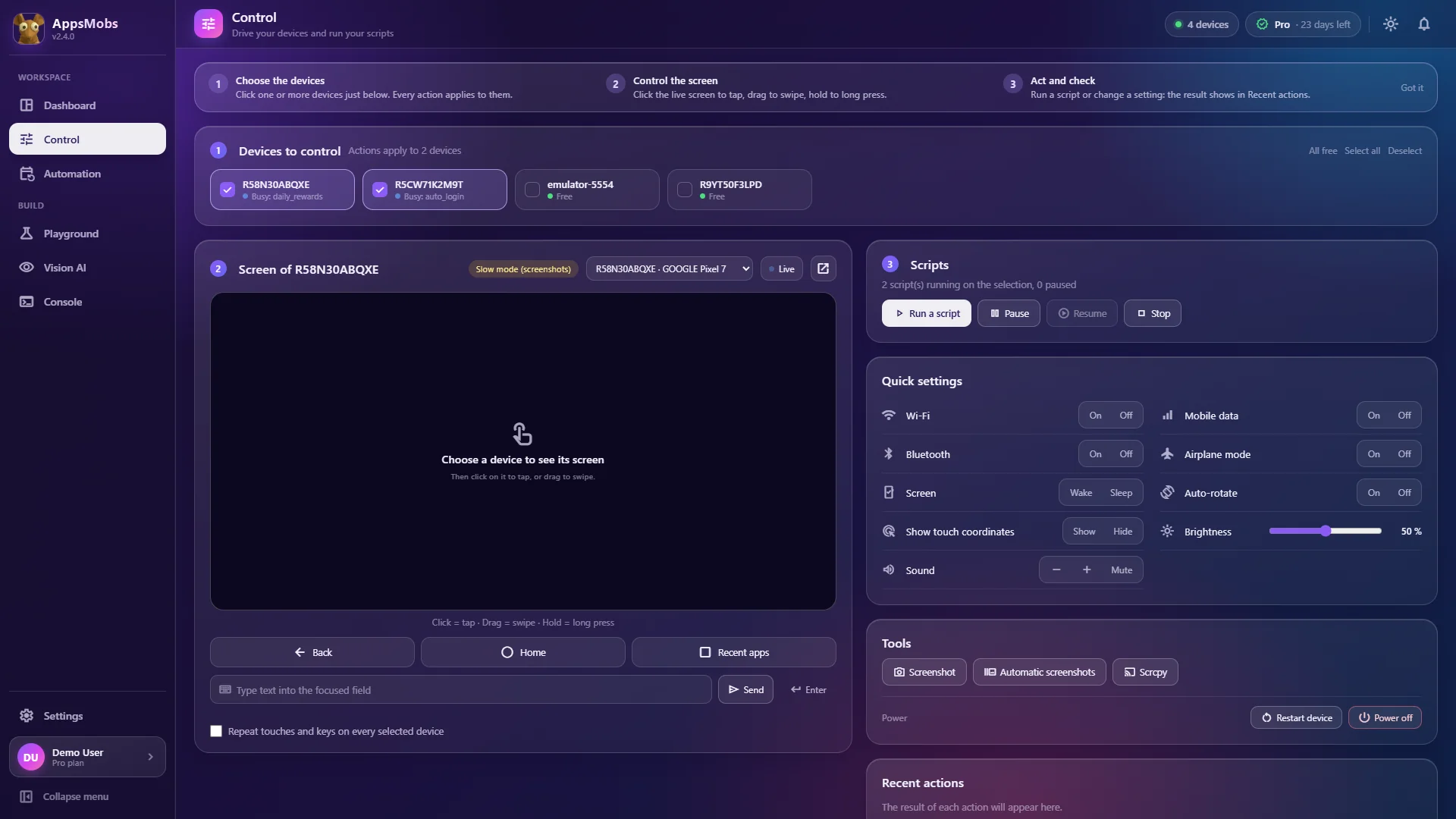
The Dashboard shows every connected phone as a live thumbnail, and the Control page lets you tap, swipe and type on the screen of the one you pick. Each device's video stream has its own frame-rate and bitrate settings, so several screens stay smooth on the same computer.
Fast input
A script's gestures don't spawn a full ADB command each time. Actions land faster than with adb shell input alone.
Act on all of them at once
Select the devices, run a script, and it executes on each one. You can pause a run, take over a phone by hand, then hand it back to the script.
Free devices instead of serial numbers
Instead of binding a job to one serial number, you pick "Any free device" in Automation and the scheduler takes a free one, with an optional rotation from one run to the next. A busy or unplugged phone is skipped for that run.
Automatic reconnection
When a USB cable gets bumped, the screen stream reconnects on its own and the running script waits for the device to come back, then carries on, instead of crashing the whole batch.
Hardware: what actually matters
Controlling ten phones is first of all a hardware question on the PC side. A few things to know:
- USB ports: bandwidth is shared per controller, not per port. Spreading phones across several controllers helps more than adding another hub;
- CPU: every video stream gets decoded. For five devices or more, a 6-core CPU or better is recommended;
- memory: 8 GB minimum, 16 GB recommended, more if you train vision models.
We covered the real bottlenecks of a ten-device setup in a dedicated article. The download page lists the system requirements.
Which option for which need?
- You just want to see one or two phones on your screen: scrcpy is perfect, and free.
- You are learning automation and enjoy tinkering: ADB + Python, keeping in mind how long the tooling will take.
- You want the same routines running on several phones, reliably and on a schedule: a dedicated tool like AppsMobs saves you from rebuilding all of that.
Going further
The product tour details the control module and its limits (USB debugging must be enabled on each device, and a device managed by a corporate profile that blocks ADB will not connect). Plans range from 1 to 10 phones, and Vision AI adds screen recognition for apps whose interface keeps moving.