Operations#multi-device#hardware#performance
Running ten Android devices from one PC: where the bottlenecks actually are
USB bandwidth, encoder throughput, CPU and RAM — a practical look at what limits a multi-device setup, with the settings that buy back the most headroom.
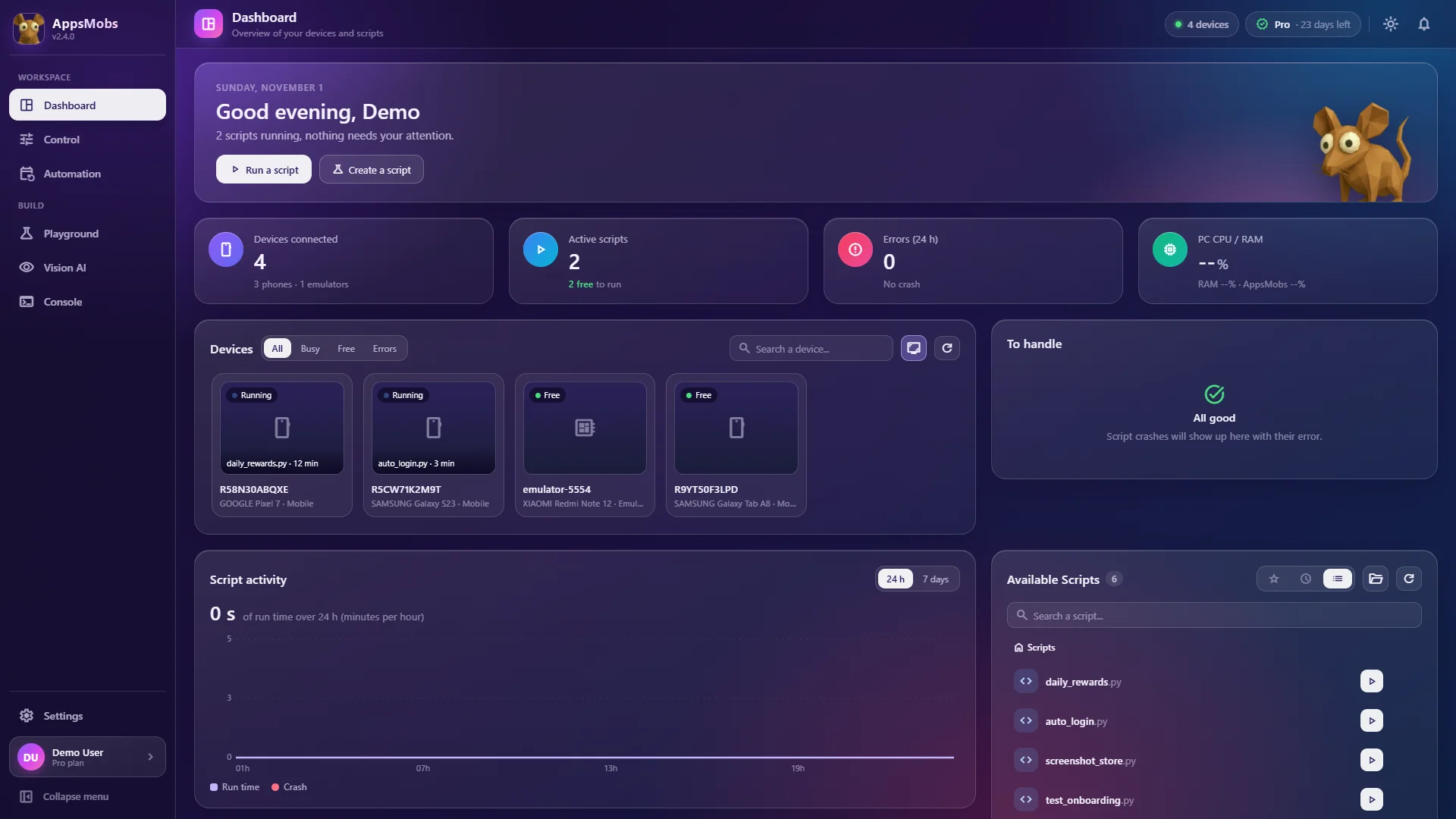
Going from one phone to three is easy. Three to ten is where people discover that their bottleneck was never the software.
Here is what actually limits a multi-device setup, in the order you will hit the limits, and what to do about each.
1. The USB bus, long before the port count
A USB 3.0 controller advertises 5 Gbps. That number is per controller, not per port, and a motherboard typically exposes six to ten ports from two or three controllers. Plugging a ten-port hub into one port means ten devices sharing one controller's bandwidth and, more importantly, one controller's interrupt handling.
Screen streaming is the greedy part. An H.264 stream at 1080p/30 with a 4 Mbps budget is modest; ten of them is 40 Mbps, which is nothing for the bus. The problem is not throughput but transaction overhead: every tap, every screenshot request, every heartbeat is a small transfer, and small transfers are where shared controllers fall over.
What helps, in order of effect:
- Spread devices across controllers. Use front-panel and rear ports, and a PCIe USB card for the rest.
usbviewon Windows shows you which port maps to which controller. - Use powered hubs. Ten phones drawing charge through an unpowered hub will brown out, and a device that resets mid-run looks exactly like a bug in your script.
- Move some devices to Wi-Fi ADB.
adb tcpip 5555takes them off the bus entirely. Latency rises by a few milliseconds and you trade it for bus headroom — usually a good deal for devices you are not watching. One caveat: AppsMobs does not offer a Wi-Fi connection itself (it detects USB-connected devices, plus LDPlayer), so this tip applies to driving ADB by hand.
2. Video decoding on the host
Each live screen is a video stream your PC has to decode and draw. Ten 1080p streams at 60 FPS is 600 decoded frames per second, which will keep a mid-range CPU fully occupied doing nothing useful.
The fix is almost free, because you are not looking at nine of those screens:
- Background devices at 5 FPS and 1 Mbps are perfectly adequate for seeing that something is still running
- The device you are actively watching at 30–60 FPS
- A lower maximum resolution (720 px is plenty to see that something is running), so each stream is cheaper to decode
That single change — per-device FPS instead of one global setting (AppsMobs allows it in Settings, with frame rate, bitrate and resolution adjustable device by device) — is usually the difference between a ten-device grid that stutters and one that does not.
3. CPU, and what is actually eating it
A realistic budget per device, on a current mid-range CPU:
| Work | Cost per device |
|---|---|
| Stream decode at 5 FPS | ~2% of one core |
| Stream decode at 60 FPS | ~15% of one core |
| Script execution (idle waits) | negligible |
| Template matching at 1 Hz | ~5% of one core |
| YOLO nano inference at 1 Hz, CPU | ~15% of one core |
| YOLO nano inference at 1 Hz, GPU | ~1% of one core |
Ten devices with background FPS and template matching sits comfortably on six cores. Ten devices with live inference on the CPU does not — that is when a GPU stops being optional. Note too that polling rate matters more than model size: running a detector at 1 Hz instead of 5 Hz is a 5× saving and is almost always enough, because the thing you are waiting for does not appear and vanish within a second.
4. RAM, which is simpler
Budget roughly:
- 300–500 MB per live 1080p stream
- 1–2 GB for the host application itself
- 2–4 GB if you train a vision model while devices are running
So: 8 GB is a two-device machine, 16 GB handles five to ten comfortably, 32 GB is what you want if you train models on the same box you run the farm on.
5. The thing nobody budgets for: heat
Ten phones pinned at 100% CPU, charging over USB, stacked on a shelf, will thermally throttle within an hour. A throttled device runs your 4-minute loop in 6 minutes and your throughput model quietly becomes wrong.
A desk fan pointed at the rack is the highest return-on-investment purchase in this entire article. Spacing the devices so they are not touching is the second.
What the scaling curve really looks like
Perfect scaling would mean ten devices doing ten times the work of one. In practice, bus contention, host CPU and retries take a bite that grows with device count — somewhere around 25–30% by the time you reach ten, on a typical setup.
That is still seven times the throughput of a single device, which is the point. But it means a capacity plan built on "ten devices × fifteen runs an hour = 150 runs" will be wrong by about forty runs, and that difference matters if you are promising someone a daily number.
Measure your own curve: run one device for an hour, then five, then ten, and record completed runs. Twenty minutes of measurement beats a spreadsheet of assumptions.
Emulators change the arithmetic
If your target app runs in an emulator, ten LDPlayer instances (the only emulator AppsMobs explicitly manages; for others the connection goes through ADB and is unverified) on one strong PC avoid the USB problem entirely — there is no bus, only RAM and CPU. Budget 2 GB and roughly one core per instance and the maths is straightforward.
The trade is that some apps detect emulators and refuse to run, and emulated sensors, cameras and touch behaviour are approximations. For QA and most reward loops, emulators are the easier path. For anything that checks, physical devices are the only path.
A build that works
If you are putting a machine together for this specifically:
- CPU: 6–8 modern cores. Clock speed matters more than core count past eight.
- RAM: 32 GB. It is cheap and it removes a whole category of problem.
- GPU: any current NVIDIA card with CUDA, if you intend to train or run live inference.
- USB: one PCIe USB 3.x card with separate controllers, plus powered hubs.
- Storage: an SSD. Screenshot logs from ten devices add up faster than you expect.
- Cooling: a fan for the phones, not just for the PC.
None of that is exotic, and all of it matters more than which automation tool you run on top of it. To plug in and check each device, see Connect a phone or an emulator.