Guide#no-code#python#scripting
No-code blocks or Python: which one should you actually start with?
Block editors get you running in an afternoon and hit a ceiling. Python has no ceiling and a real learning curve. Where the ceiling is, and how to cross it without rewriting anything.
The honest answer is: start with blocks, and know in advance which three things will push you to Python. That way the move happens when you need it rather than when you are stuck.
What a block editor genuinely covers
A modern block editor is not a toy. Dragging actions into a sequence with loops, conditions and variables covers more than people expect:
- Open an app, wait for a screen, tap a thing, read a result
- Repeat N times, or until a condition holds
- Branch on whether an image or a piece of text is present
- Store a value and reuse it later in the run
- Run the same sequence on several devices at once
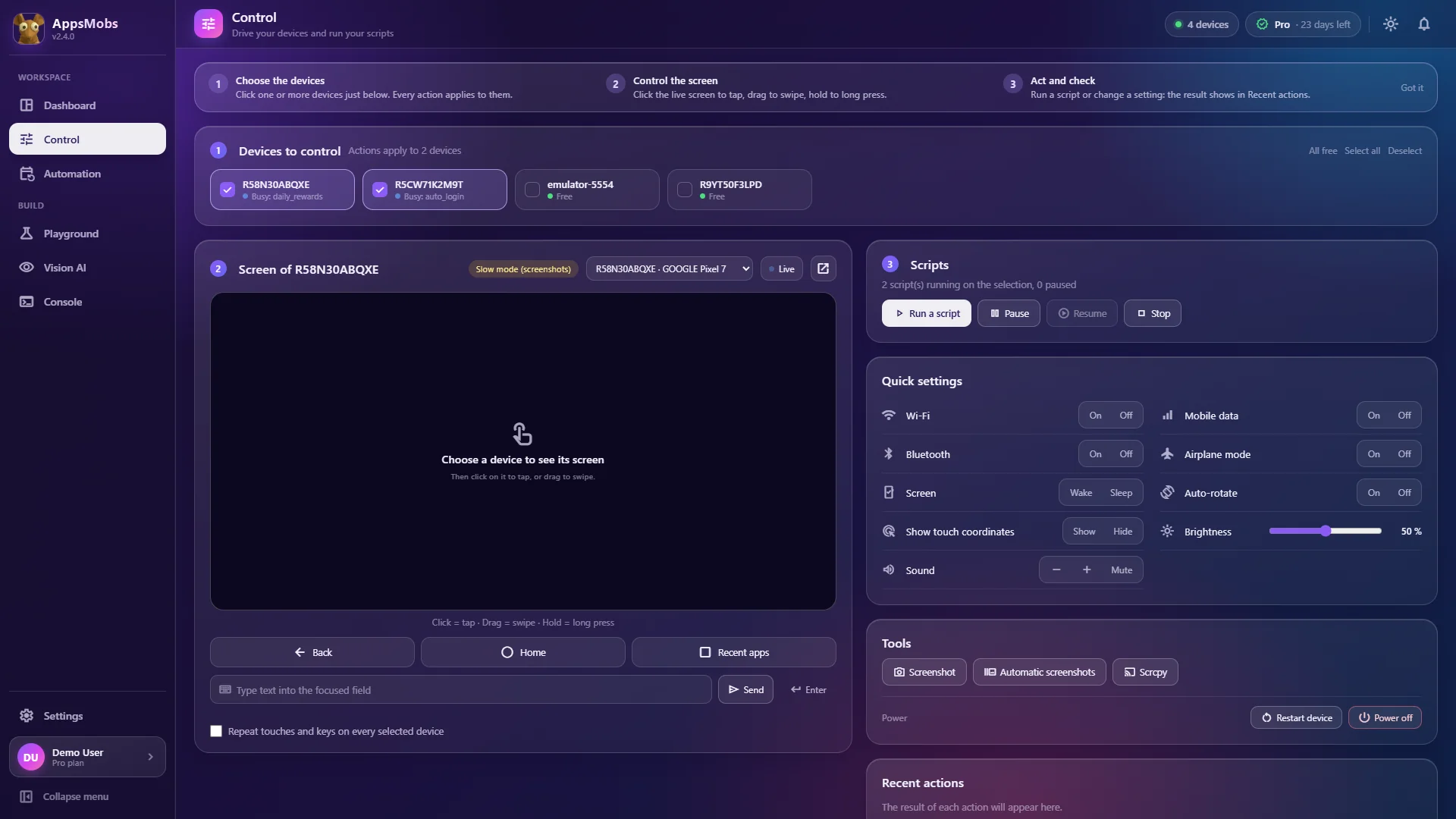
That is a complete daily-reward loop, a login routine, a check-and-report job or a simple QA pass. If your automation fits that description, blocks are not a compromise — they are the faster correct choice, and they stay readable six months later when you have forgotten how it worked.
The real advantage is debuggability. When a step fails, the faulty block is highlighted in the workspace and the error appears in the output: you see exactly which card got stuck, with no mental translation between code and behaviour.
The three walls
Wall one: data. The moment you need to read a value, do arithmetic on it, keep a running total, compare today's number with yesterday's, or write results to a CSV, blocks get verbose fast. Five cards to do what one line of Python says plainly.
Wall two: structure. When the same six steps appear in four different places, you want a function. Block editors have sub-sequences, but reuse across projects, parameters with defaults and anything resembling a module stays awkward.
Wall three: the outside world. Calling an HTTP API, parsing JSON, reading a spreadsheet, posting to Discord with a formatted payload, talking to a database. There is always a block for the common case and never one for yours.
If none of those three describe your automation, you do not need Python. Plenty of people run their whole operation in blocks and are correct to.
What Python buys, concretely
import csv, datetime

# Runs on every phone picked in "Run on"
open_app("com.example.rewards")
wait_text("Balance", timeout=20)
balance = read_text_at(300, 370)          # text shown under this point
serial = adb("getprop ro.serialno").strip()

if balance:
    with open(f"{SCRIPT_DIR}/balances.csv", "a", newline="") as handle:
        csv.writer(handle).writerow([
            serial,
            int(balance.replace(",", "")),
            datetime.datetime.now().isoformat(),
        ])
    log(f"Balance recorded: {balance}")
else:
    log("Balance not found", level="WARNING")
Fifteen-odd lines, and it would be thirty blocks that nobody wants to read. Reading a value, converting a type, timestamping it, appending to a file: this is exactly the shape of thing blocks are bad at and Python is boring at.
Crossing without rewriting
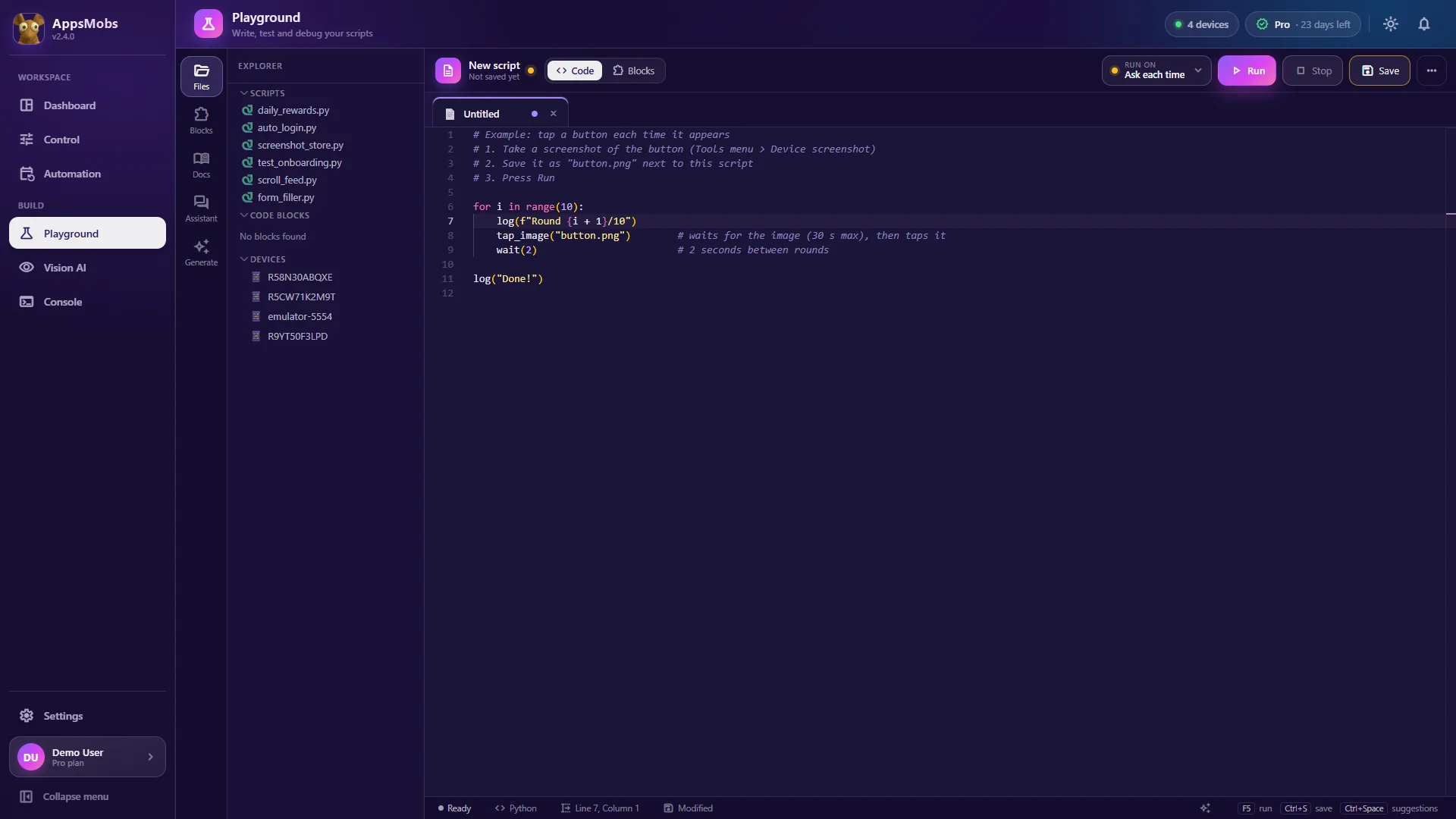
The transition is painful only if the two modes are different products. When the block editor and the Python editor write the same script file, "switch to Python" means opening the other view on the same automation (see the block editor and Python scripts).
That matters practically: your first Python script is not a blank page, it is your working block script already expressed as code, with the correct function names and the right argument order. Changing one step to do arithmetic is a line edit, not a port.
This is also the fastest way to learn the API. You built it in blocks, you know what it does, and now you are reading the same logic in Python. That is a far better tutorial than any documentation page.
Where an AI assistant fits
Claude, Grok or ChatGPT, given the AppsMobs pack, know every function. An assistant that generates a script from a sentence is useful at a specific moment: you know what you want, you know roughly which functions exist, and you do not want to type the loop and the error handling. It produces a first draft you then correct.
It is not useful as a substitute for understanding. A generated script you cannot read is a script you cannot debug at four in the morning, which is when automations fail. Treat it as a faster keyboard, not as an engineer.
A practical path
- Week one: blocks. Build the actual automation. Get it running on one device. Resist the urge to make it general.
- Week two: make it survive. Add the waits, the retries and the clean exit. This is where most of the real work is, and it is the same work in either mode.
- When you hit a wall: open the Python view of what you already have, change the one step that needed it, keep going.
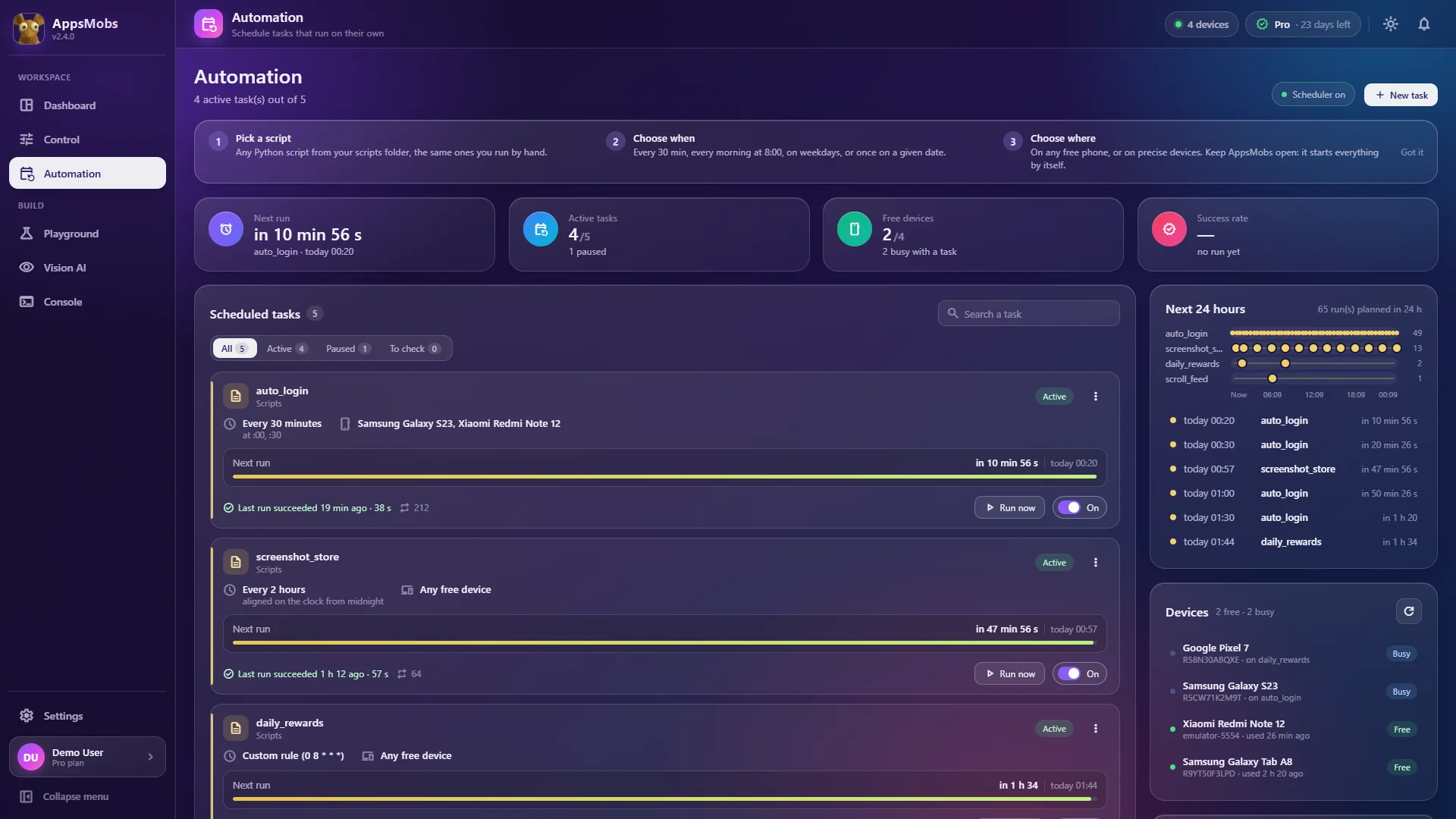
- Only then: generalise. Run it on all your phones at once, then schedule it in Automation.
Most people never get past step three, and that is a perfectly good outcome. The point of a tool is the thing you automate, not the automation about the automation.