Vision#computer vision#yolo#opencv
Template matching or YOLO: how should your bot find a button?
Pixel matching is free and brittle. A trained detector costs a dataset and survives redesigns. A practical decision guide, with the failure modes of each and what the switch actually costs.
Both approaches answer the same question — where on this screen is the thing I want to tap? — and they fail in completely different ways. Picking wrong costs you either a week of pointless dataset work or a bot that breaks every other Tuesday.
What template matching actually does
cv2.matchTemplate slides a reference image across a screenshot and scores the similarity at every position. The best score above your threshold is your match. It is arithmetic, not learning: no training, no dataset, results in milliseconds.
Which also describes its limits. It compares pixels, so anything that changes pixels breaks it:
- Scaling. A template captured at 1080×2340 will not match the same button on a 720×1600 screen. You either keep one template per resolution or rescale at runtime and lose accuracy.
- Compression. Screenshots pulled over a lossy stream pick up artefacts around high-contrast edges, which is exactly where buttons live.
- Theme. Dark mode changes almost every pixel in the template while leaving the button recognisably the same button to you.
- Animation. A pulsing call-to-action is a different image on every frame.
- Overlap. A badge, a tooltip or a cursor over part of the target drops the score below threshold.
None of these is fatal on its own. Together they are why a template-matching bot has a maintenance cost that grows with the number of apps and devices it touches.
What a trained detector does differently
A YOLO model learns what the class looks like across variations you showed it. Given thirty to fifty varied screenshots with the target boxed, it will find that target at a different size, in a different theme, mid-animation, partly covered, on a screen ratio it has not seen.
It returns boxes with confidence scores rather than a single best position, which matters more than it sounds: a list of candidates lets you pick the highest-confidence one, count instances, or iterate until one works.
boxes = model.detect(device.screenshot(), classes=["claim"], confidence=0.8)
for box in sorted(boxes, key=lambda b: -b.confidence):
    device.tap(box.center)
    if device.wait_for_text("Collected", timeout=6):
        break
The cost is real and worth stating plainly: you need to capture frames, draw boxes, run a training job, and re-train when you add a genuinely new variation. On a CPU that is minutes; on a CUDA GPU, seconds.
The decision, in one table
| Situation | Reach for |
|---|---|
| Fixed icon, one device model, stable app | Template matching |
| The app exposes a view hierarchy | uiautomator dump — neither of the above |
| The target is a text label or a number | OCR |
| Several screen sizes or both themes | Trained detector |
| Target animates, scrolls or moves | Trained detector |
| You need to count or locate many instances | Trained detector |
| Game with a canvas UI | Trained detector |
| You need it working in the next ten minutes | Template matching, then revisit |
The honest default for a new automation is template matching. It is free to try, and if it holds for a week on your actual devices, you have saved yourself the dataset. Switch when you find yourself re-capturing templates more than once.
What "thirty images" really means
The question everyone asks is how many images a model needs, and the number is less important than the spread. Thirty frames showing the button in thirty genuinely different contexts beats five hundred near-identical captures from one session, every time.
Vary deliberately:
- Two or three device models, or at least two resolutions
- Light and dark theme
- Several background states — list scrolled, list at top, modal open behind
- Frames captured mid-animation, not only at rest
- A few negatives: screens where the target is genuinely absent
Label precisely. A box that includes twenty pixels of background on every example teaches the model that the background is part of the button.
Confidence thresholds are a product decision
A detector returns a score, and the threshold you accept is a trade between two kinds of mistake.
Set it high — 0.9 and up — and you miss real targets when rendering is slightly off, so the bot stalls. Set it low — below 0.6 — and it taps things that are not the button, which in a payment flow is considerably worse than stalling.
For most reward-claiming loops, 0.8 with a retry on empty results is a good starting point. The useful habit is logging the score of every detection you act on; after a week you will see the real distribution and can set the threshold from data instead of a guess.
Where the two meet
The best automations use both. Template matching handles the static parts of the interface — the settings icon, the tab bar, the close button, all of which are pixel-stable. The trained model handles the one element that actually moves.
That split keeps the dataset small, the inference budget low and the maintenance confined to the part that genuinely changes.
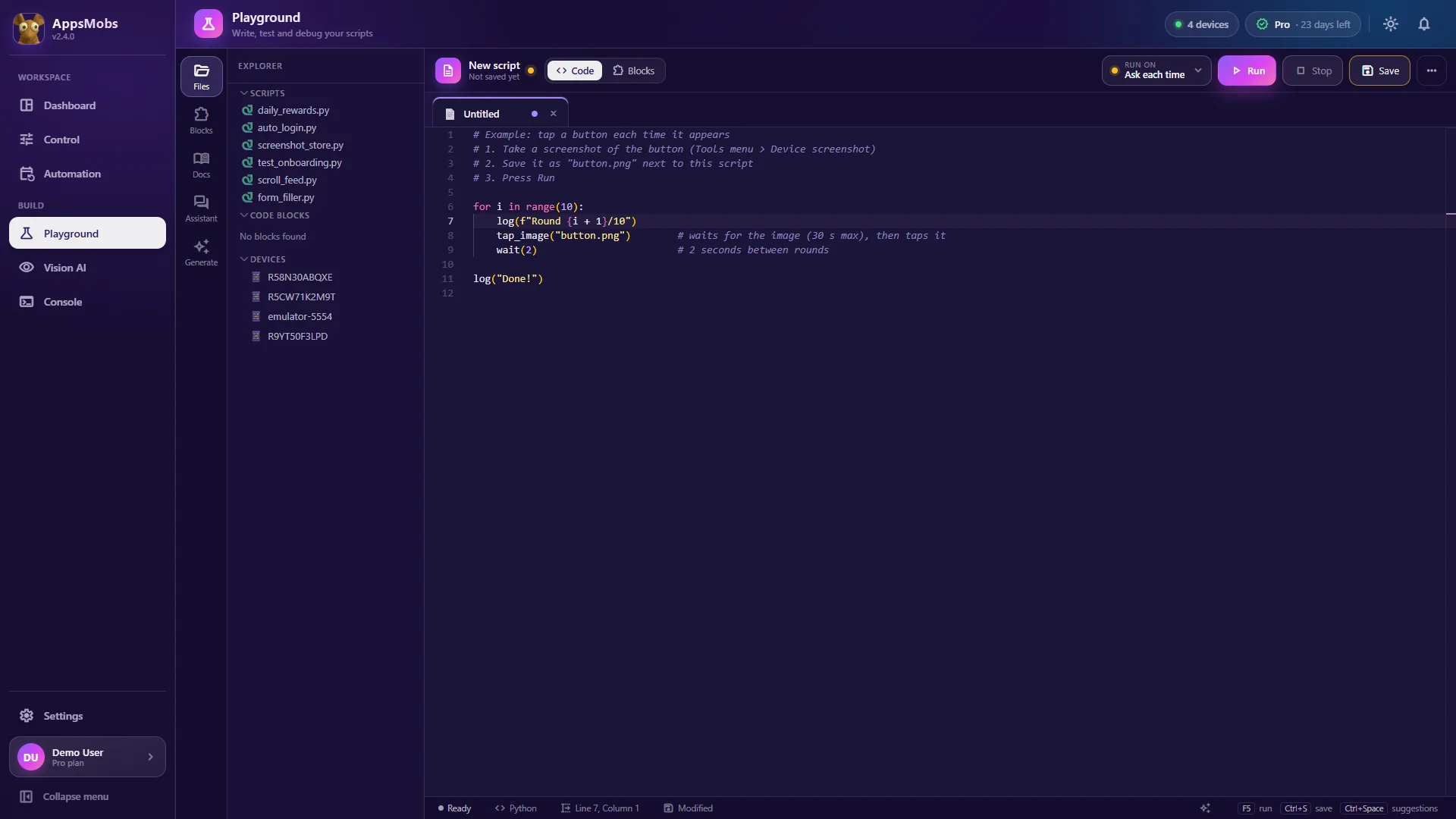
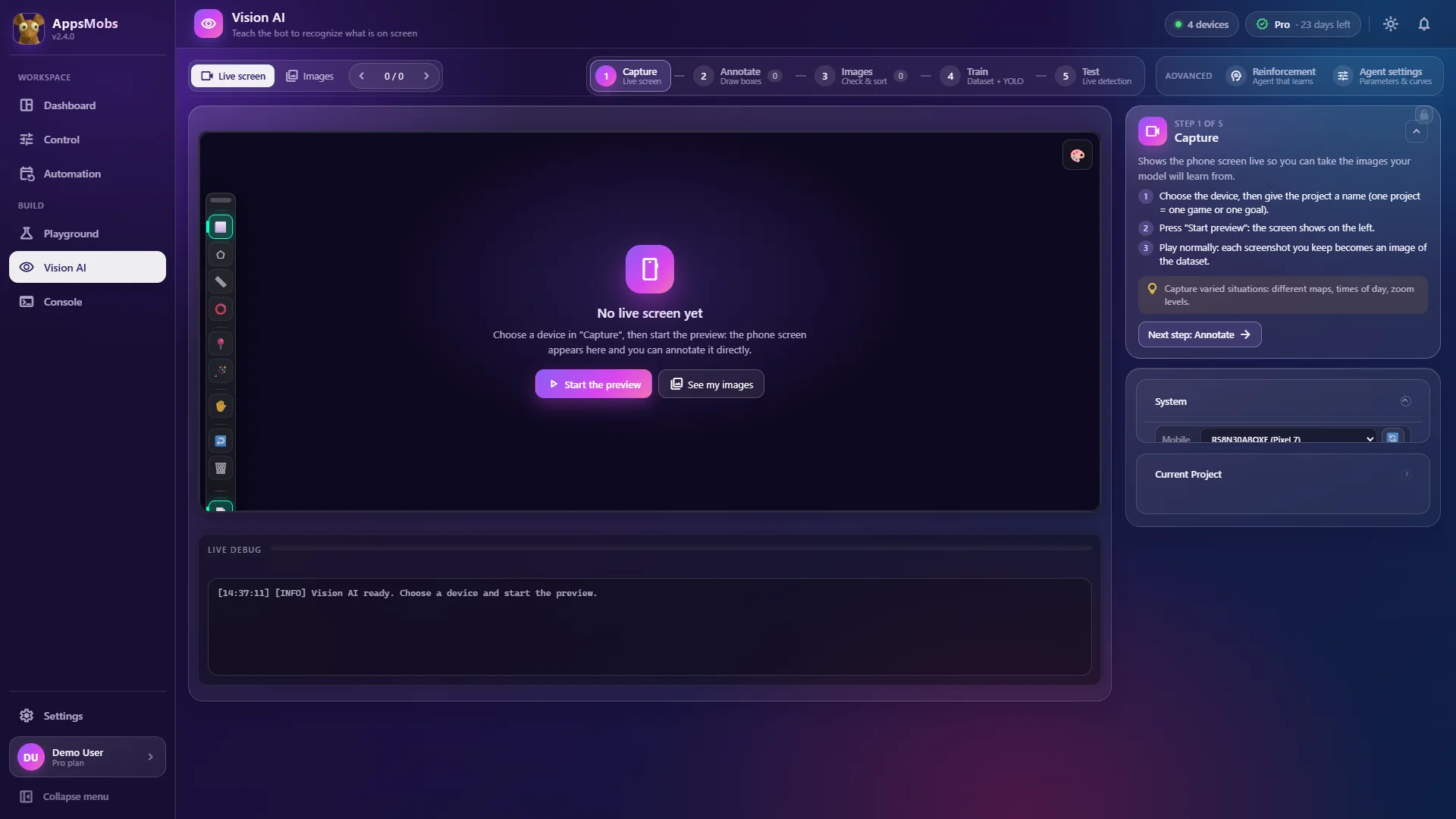
In AppsMobs both live behind the same script API — find_image() for the first, vision.detect() for the second — so moving an individual step from one to the other is a one-line change rather than a rewrite.